You are not allowed to respond again to this survey
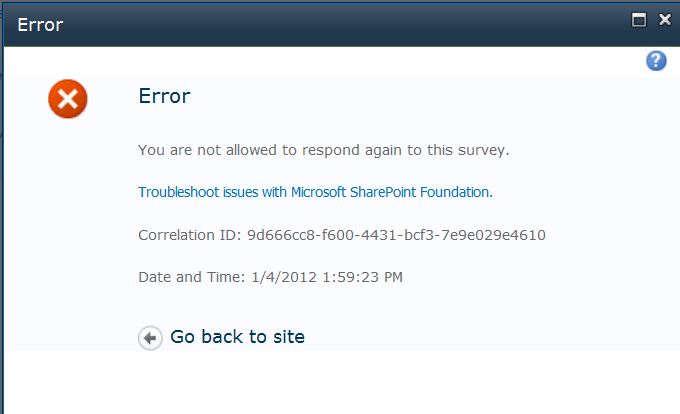
Error: You are not allowed to respond again to this survey.

Either the user has already taken the survey or they started taking the survey and never finished.

You can try going in and deleting what they have already done.  Or allow users to take the survey more than once.

How to allow users to take survey again:

Your Survey –>  Survey Settings –> General Settings

Survey Option –> Allow multiple responses –> Yes

Then click save.


This entry was posted in SharePoint and tagged by Ian Hayse. Bookmark the permalink.

About Ian Hayse

SharePoint Admin. SharePoint Guy. I have been working with SharePoint nonstop for the past six years. In those six years, I've done everything from 'normal' Admin work, development, migrations, training, planning, search, workflow, InfoPath, to crazy fixing of the hands-off SharePoint databases. I'm located in Austin, TX and can always help out with small projects.

Leave a Reply

Your email address will not be published. Required fields are marked *

*

You may use these HTML tags and attributes: <a href="" title=""> <abbr title=""> <acronym title=""> <b> <blockquote cite=""> <cite> <code> <del datetime=""> <em> <i> <q cite=""> <strike> <strong>
